
Pre-launch creative QA for agencies and brands
Protect your media spend. Check every ad before it goes live.
For agencies and brand teams. Creative Score scores each ad out of 100 before launch, explains why and lists the fixes, so weak creative is fixed before client or brand budget is spent.
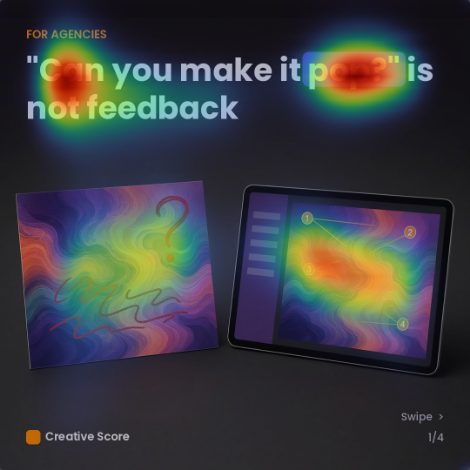
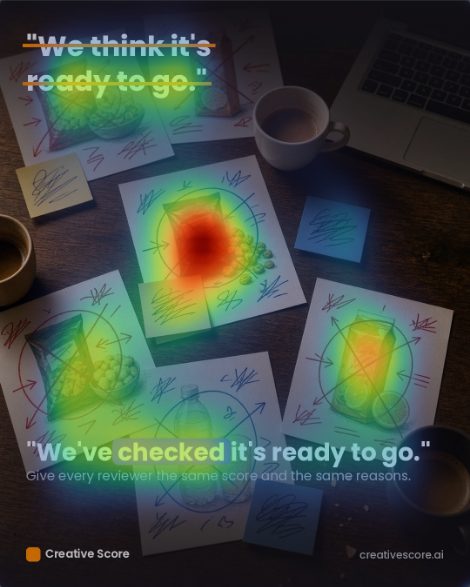
Attention heatmap

Overall score: 74 out of 100, rated Good
Score
Recommendations
- Add a prominent conversion-focused call-to-action button or banner to guide high-intent prospects toward the next step. …
- Streamline the layout by visually connecting the mobile ad preview directly to its analytical score output. …
- Boost the visual prominence and contrast of the brand name and website URL in the footer. …
What you get on every ad
A score out of 100
One number for each asset, so everyone signs off against the same standard.
The reasoning behind it
Scored across 200+ attributes in 10 categories, with an explanation for each.
The five changes that matter most
The summary lists the fixes that will move the score most, in order.
Eye-tracking heatmaps
See where attention goes first, and what is likely to be missed.
How it works
Upload the ad
An image, a PDF or a video, up to 30 MB. Images can be PNG, JPG, GIF, WEBP or BMP, and multi-page PDFs are scored page by page.
Pick the objective
The weighting follows it. A conversion ad is judged more on attention and the call to action; a brand ad more on memorability.
Fix, then rescore
Work through the top changes and check the new version before it goes to the client.
Most analyses take a couple of minutes.
For agencies
One pass mark for every client
Every ad gets a score out of 100, shown in colour. Creative Score sets default colours for each score range, and you can change them to match your team’s or client’s standards. Agree a pass mark with your team, and anything below it goes back to the designer with the list of fixes, before the client sees it.
Brand Settings and separate workspaces keep each client’s work apart, on every plan. Invite your team and freelancers to the same workspace.
Scores on the colour scale


GoodAverageDefault colours for each score range; you can change them
For brands
One pass mark for every ad
Every ad gets a score out of 100, shown in colour. Creative Score sets default colours for each score range, and you can change them to match your team’s or client’s standards. Agree a pass mark with your in-house team, and anything below it goes back to the designer with the list of fixes, before it goes live.
Brand Settings help keep every ad on-brand, from statics to video, on every plan. Invite your team and freelancers to the same workspace.
Scores on the colour scale


GoodAverageDefault colours for each score range; you can change them
Every score shows its working
Each asset is scored against 200+ attributes in 10 categories, from headline and copy to visuals, emotion and eye tracking. The attributes come from marketing and behavioural science research.
A high score means the asset follows patterns that research links to stronger results.
For paid social and e‑commerce
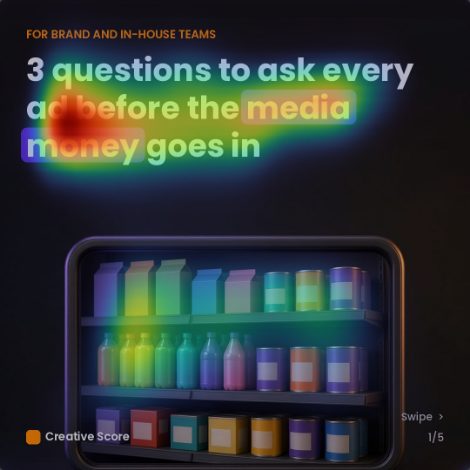
Attention heatmap

Meta and Instagram ads
Score Meta and Instagram ads before you put budget behind them. See which visuals are weak and what to change.
Attention heatmap

Product listing images
In-house e-commerce team? The same check works on your own statics and listing images.
Attention heatmap

Landing pages and emails
Check the page and the email the ad leads to against the same standard.
Video ads too: score TikTok, Reels and YouTube videos before they run.
What customers say
Reviews posted publicly on AppSumo by Creative Score users, quoted word for word. Read all 28 reviews on AppSumo.
“The analyses we've gotten have been surprisingly nuanced and thorough -- even when we deliberately provided vague instructions. Just as importantly, the results provided in the Creative Score report are transparent and clear --> Providing detailed reasoning for every conclusion reached.”
“So when I'm going through the feedback Creative Score's giving me, it's a way of ensuring that I've checked off all of the important items necessary for a really high-performing ad.”
“…it can really help me with seeing some blindspots and provide additional value to my clients. I will also from now on run all our landing page designs with this tool.”
Pricing
Start free on the Free plan with 10 credits a month. No card required.
Solo
For one person checking their own ads.
$29 a month
or $23 a month billed annually
75 credits a month
Recommended
Pro
For a small team that needs brand checks.
$99 a month
or $79 a month billed annually
250 credits a month
Agency
For agencies running several clients.
$399 a month
or $319 a month billed annually
1,000 credits a month
Need more? Enterprise starts from $999 a month, or from $799 a month billed annually, with 2,500 credits (fair use). Talk to us on Calendly (opens in a new tab)
Pay annually and save about 20%. Prices are in US dollars.
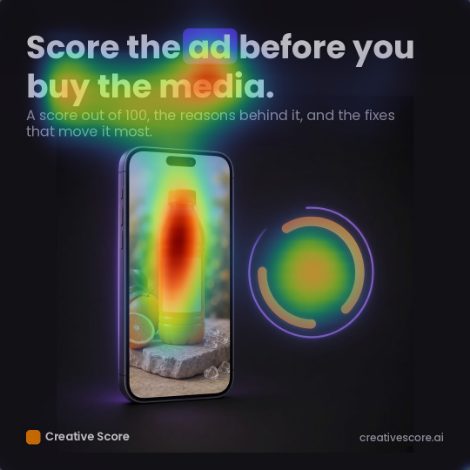
Score the ad before you buy the media.
Upload an ad and get a score out of 100, the reasons behind it, and the five changes that will move it most.